
How-to · Lesson 9 of 19
Agent Library: Standardized, Reusable Agents
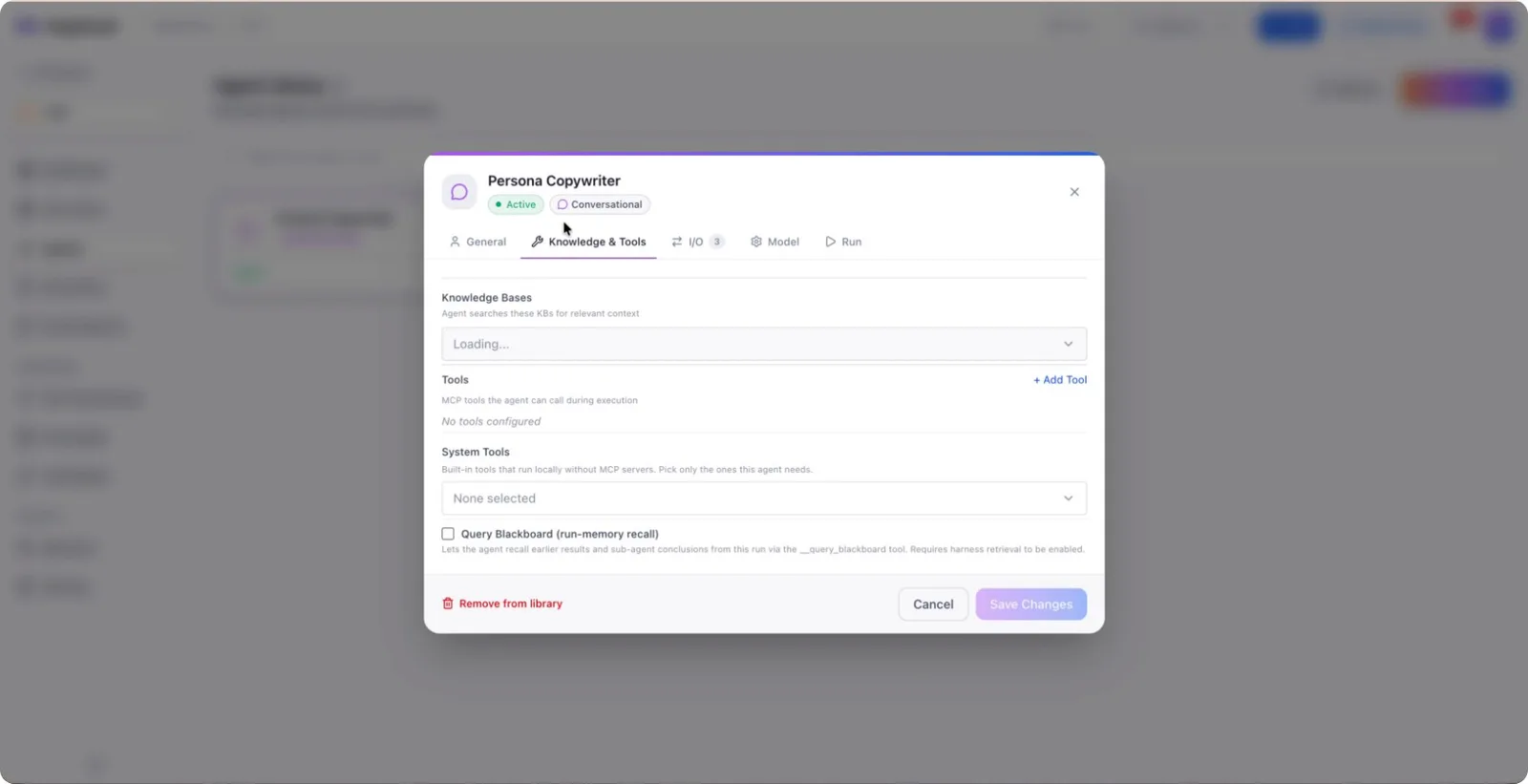
Save a configured agent to the library once, with its instructions, tools, knowledge, model settings and output schema, then drop a copy into any later workflow instead of rebuilding it from blank.
What You Will Learn
- What comes with a saved agent: instructions, tools, knowledge, model settings and output schema
- Writing library descriptions so someone else can tell what an agent is for without opening it
- Picking a library agent into a new workflow in seconds instead of rebuilding from blank
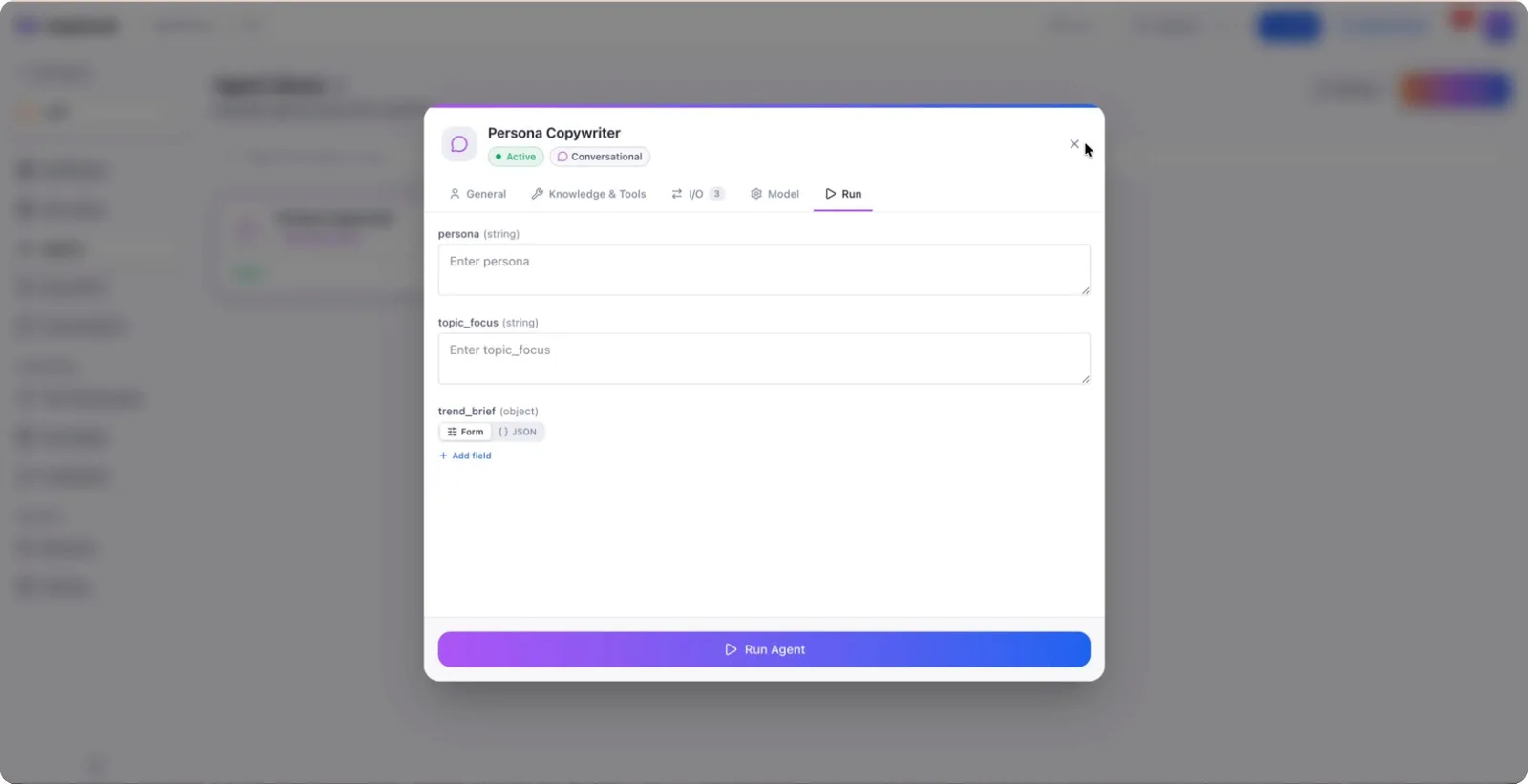
- Running a library agent standalone, to test it before committing it to a build
- Why picking from the library gives you a copy, not a live link
- Why that is deliberate: a tweak in one workflow cannot silently alter five others
Step by step guide
Step 1: Open the Canvas and Select an Agent
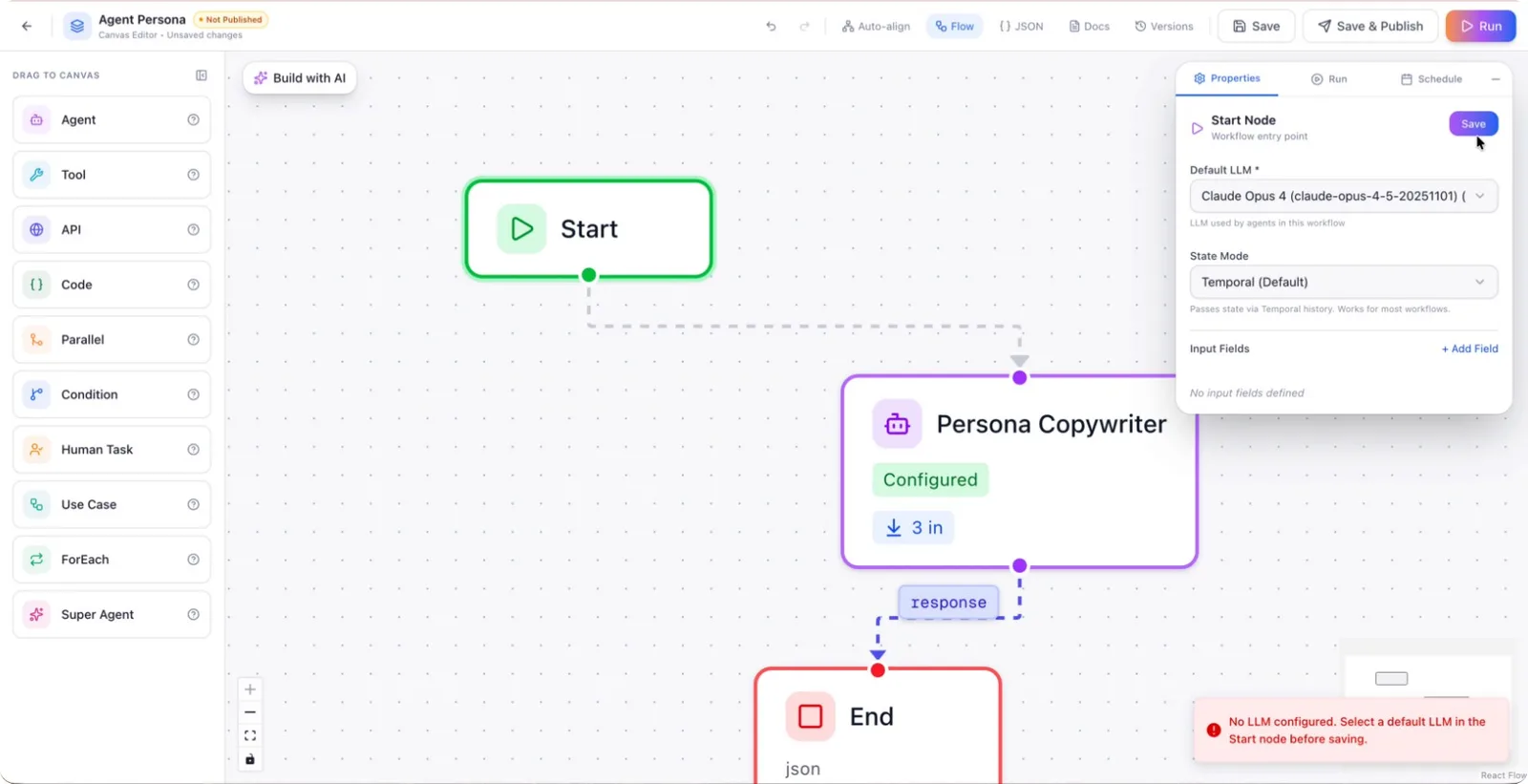
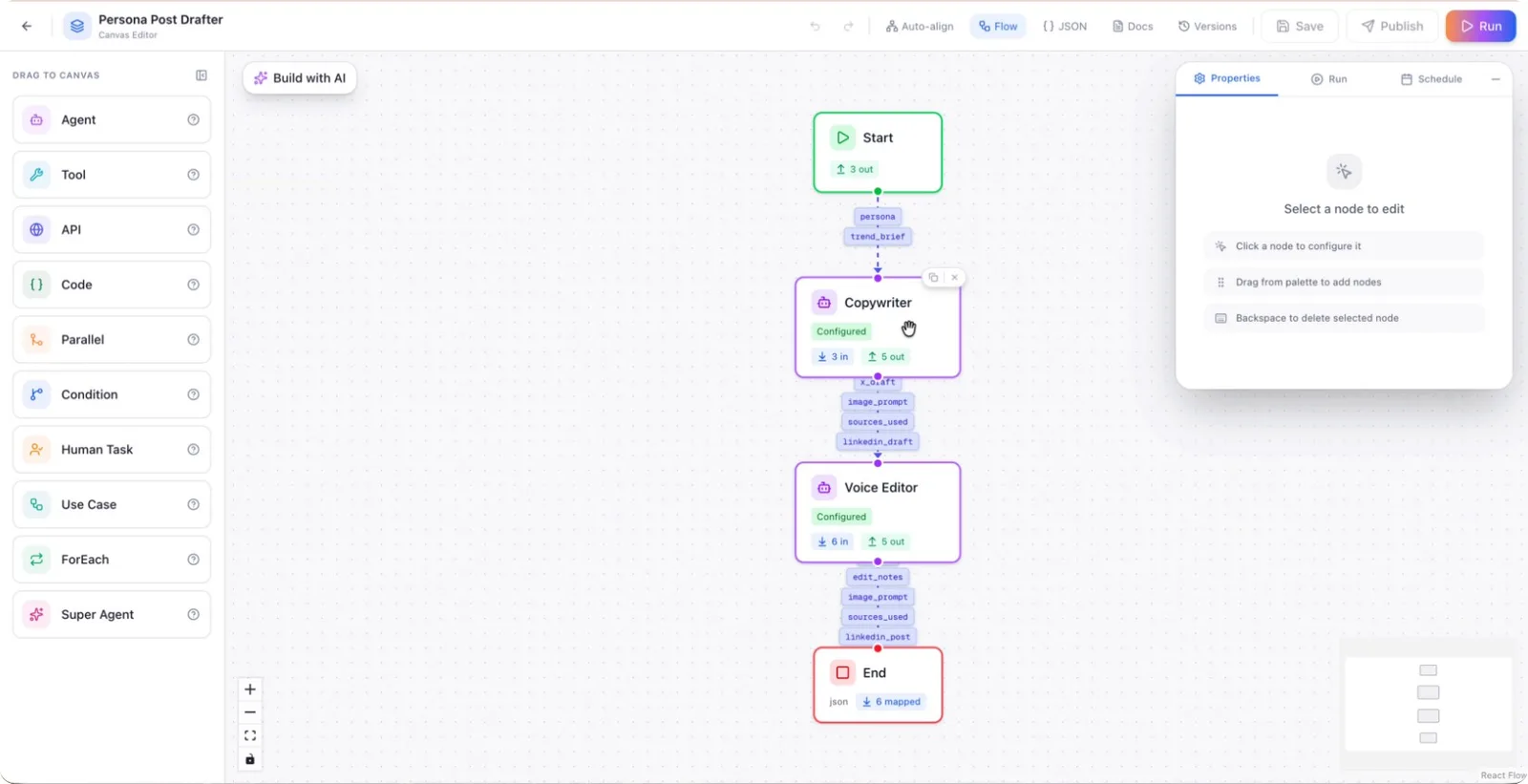
Go to your canvas and click on one of the agents you want to save for reuse.
Step 2: Save the Agent to the Agent Library
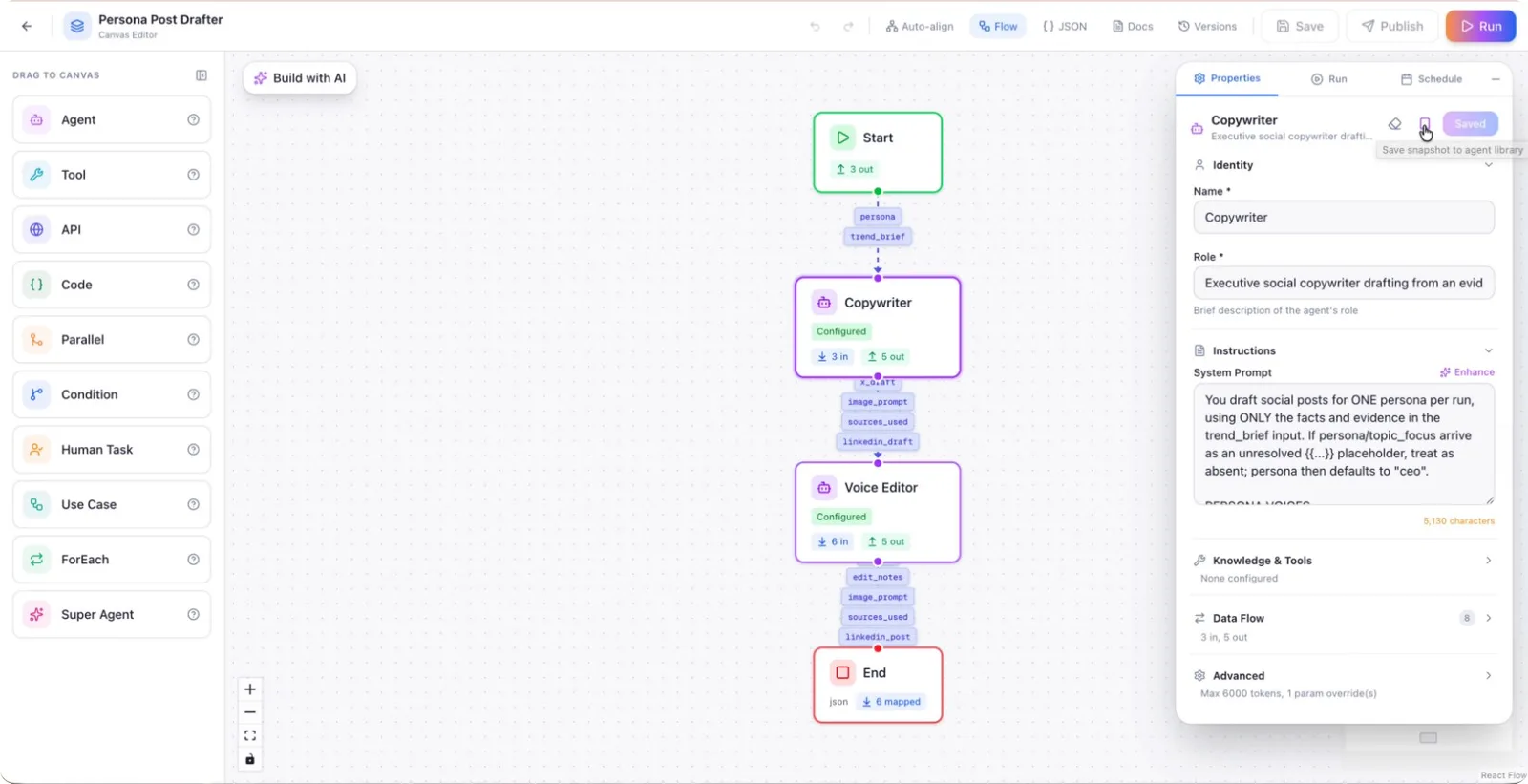
With the agent selected, click the button labeled “Save a snapshot to agent library.” This will automatically save the current configuration of the agent as a reusable snapshot.
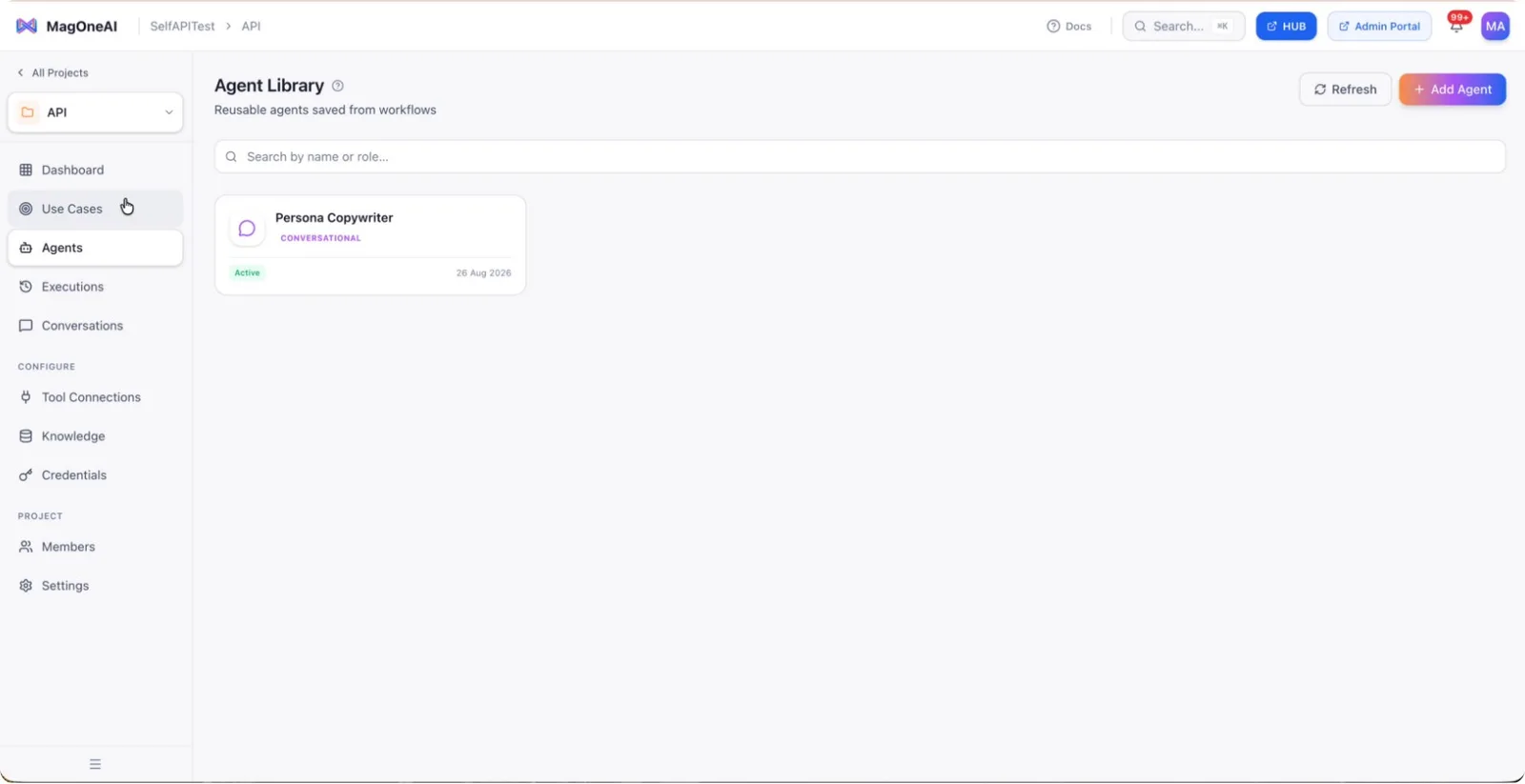
Step 3: View the Saved Agent in the Library
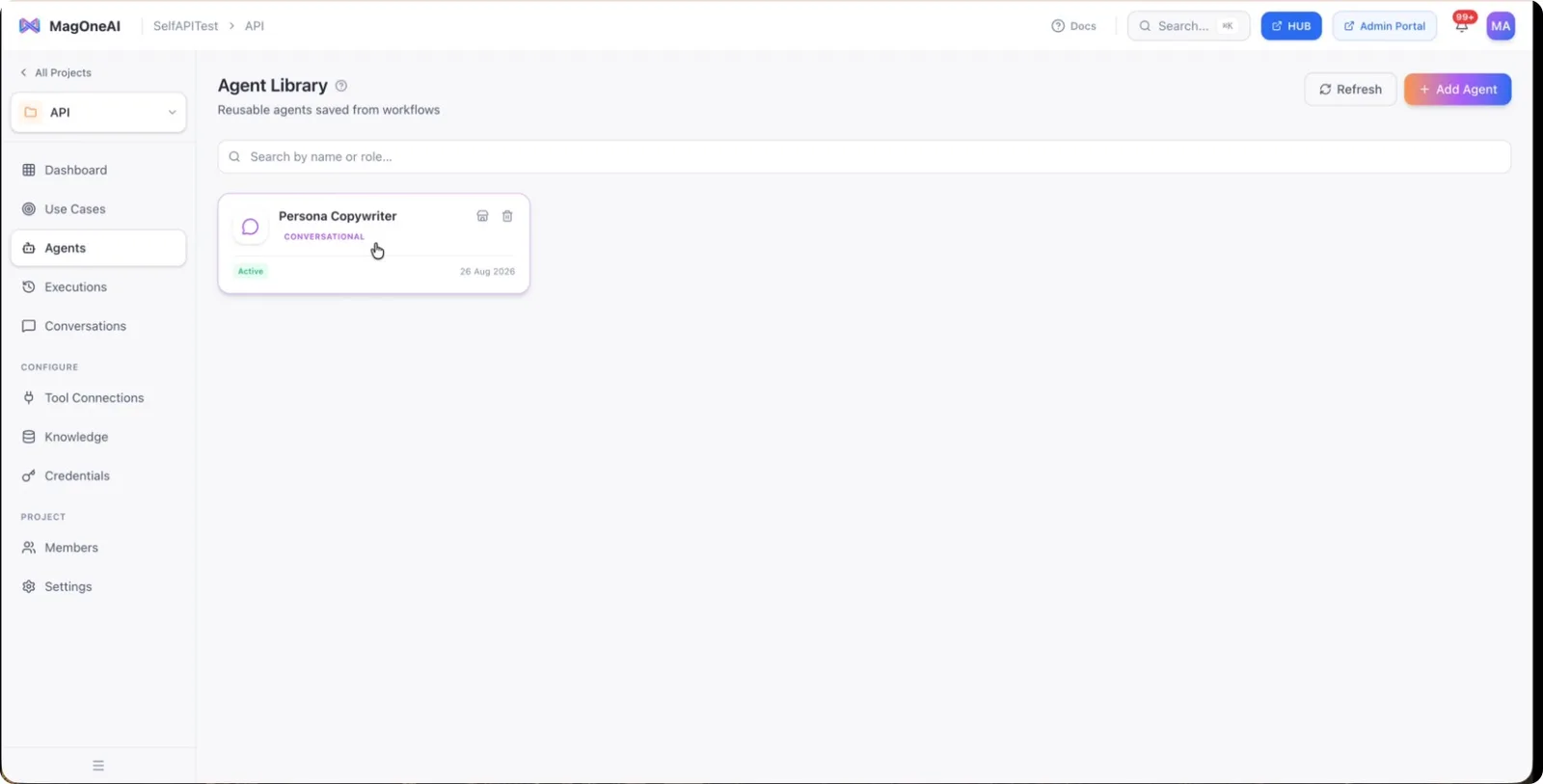
To confirm it has been saved, navigate back to the main area and click on Agents. You will see the agent you just saved listed in the Agent Library.
Step 4: Run and Modify the Saved Agent
From the Agent Library, you can run this saved agent individually to see how it behaves. You can also add or remove changes to its configuration and observe how those adjustments affect its performance.
Step 5: Create a New Workspace or Use Case
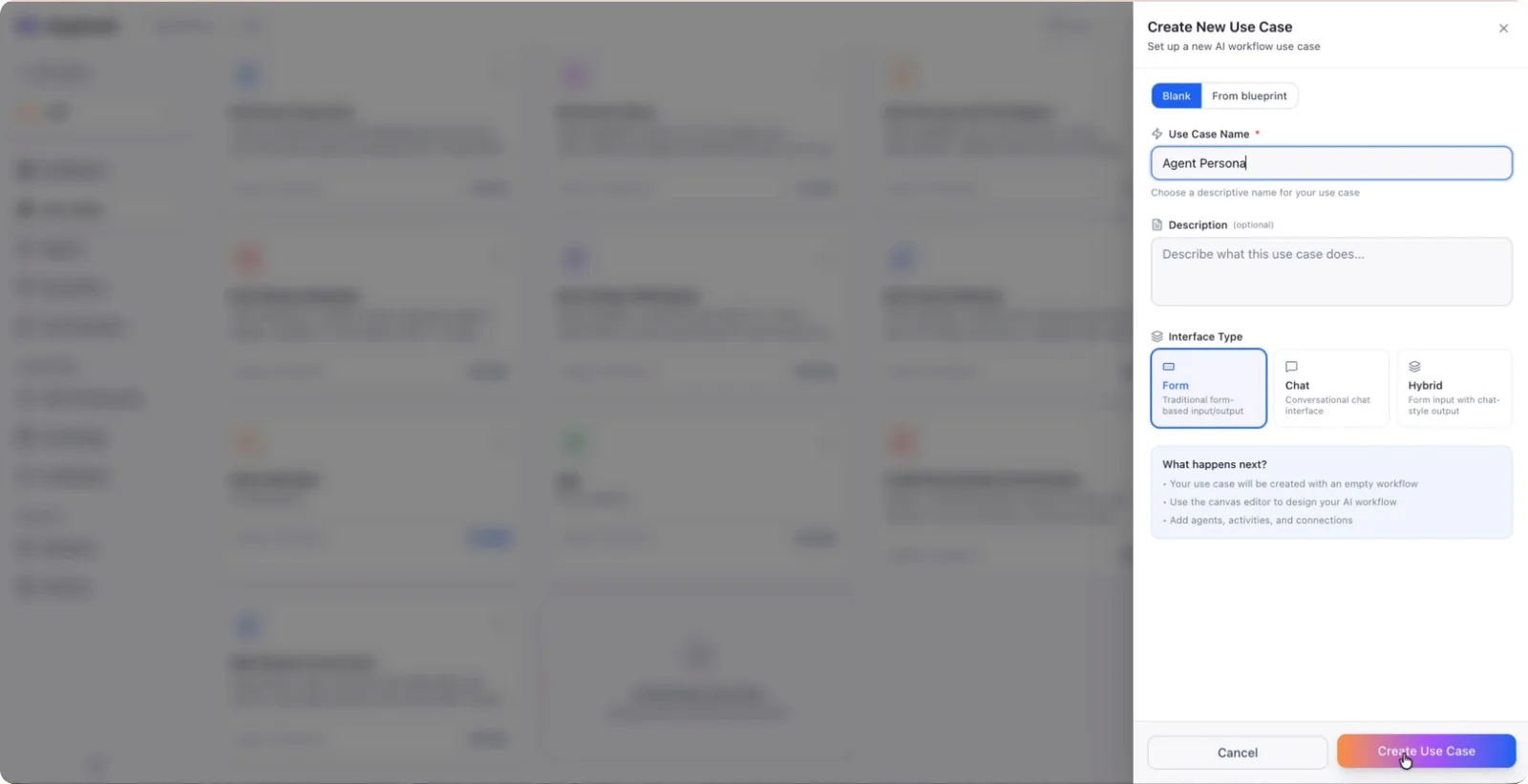
To reuse the saved agent, start by creating a new context where you want to use it. Create a new workspace, define a new use case, and set up a new agent persona as needed, then complete the creation process.
Step 6: Drag In an Agent and Select the Saved Snapshot
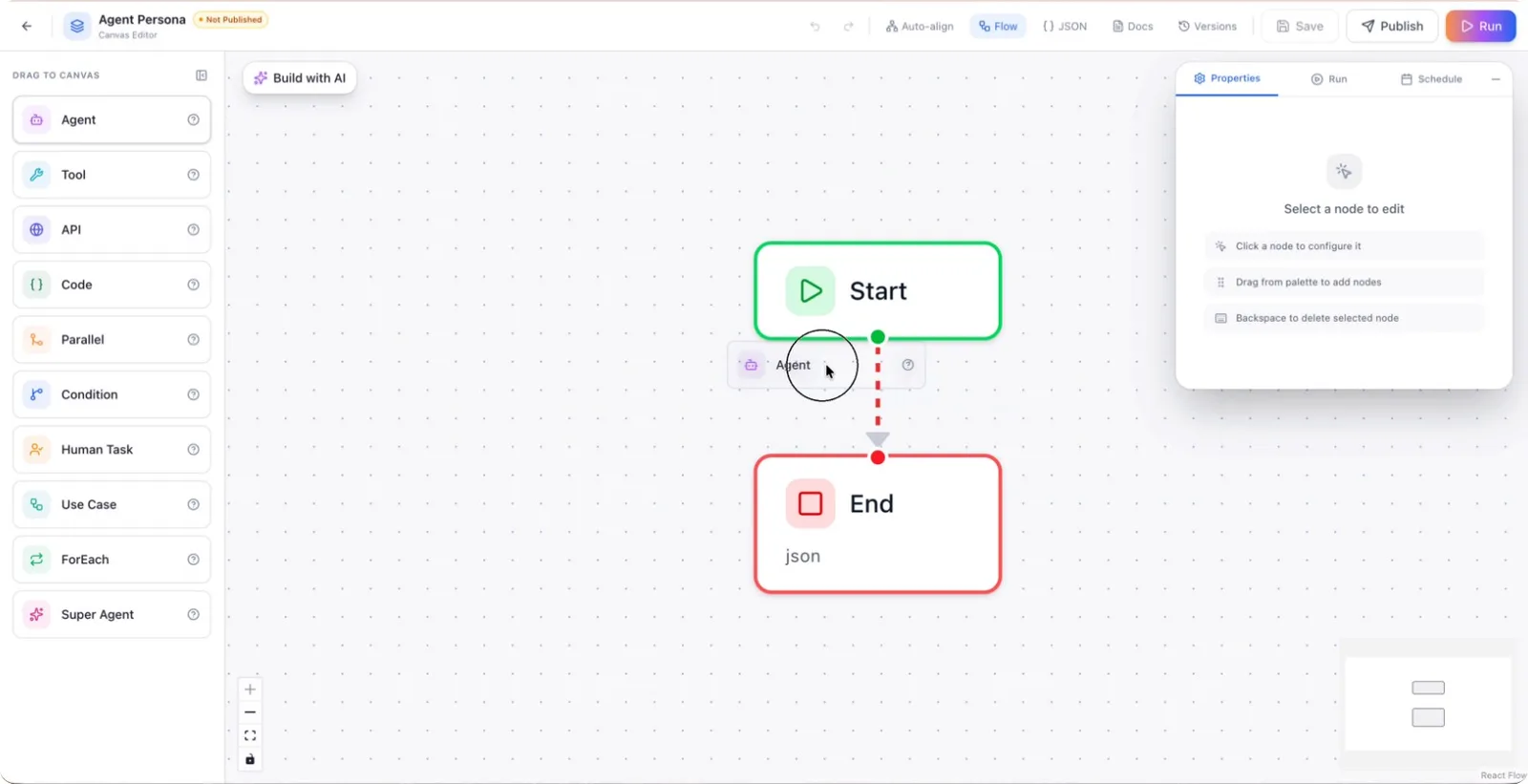
In your new workspace, drag and drop an agent onto the canvas. Then click the button that allows you to select from existing agents in the library, and choose the personal copywriter (or other saved) agent.
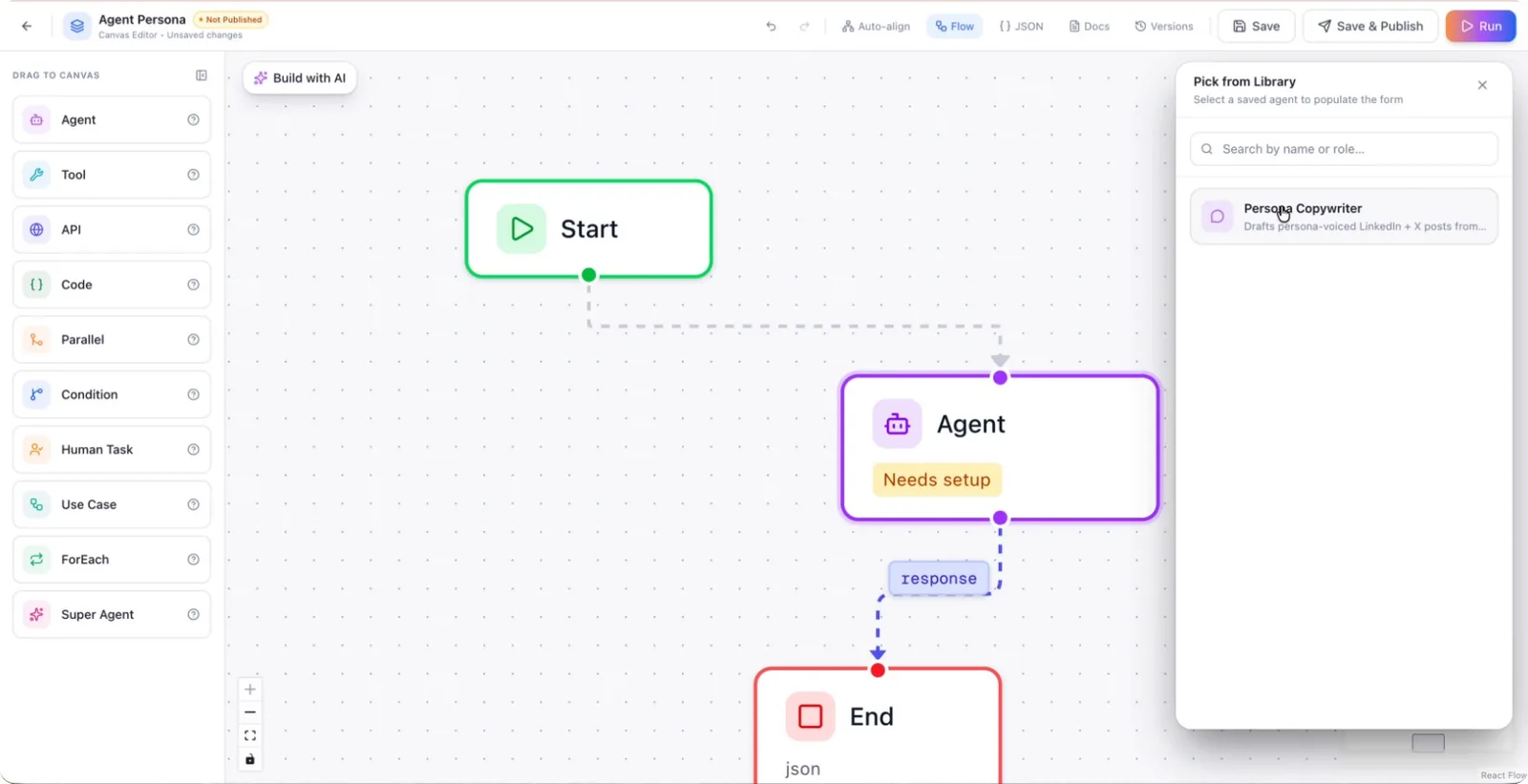
The system will auto-fill all the details for this agent based on the saved snapshot, allowing you to quickly create and use a reusable agent configuration across different use cases.